Closer.
Simpler.
Together.
beisammen turns a tablet into an effortless window to the family — video calls, photos, messages and TV with a single tap. Relatives manage everything conveniently by app or in the browser.
How beisammen reaches you
There is nothing for you to set up. The tablet arrives ready to use.
Request a tablet
Tell us who the tablet is for and who in the family takes part.
We set it up
We prepare the tablet and send it fully set up. Unpack, plug in, done.
The family is connected
Relatives use the app or the portal — and can call, write and send photos right away.
This is what beisammen looks like
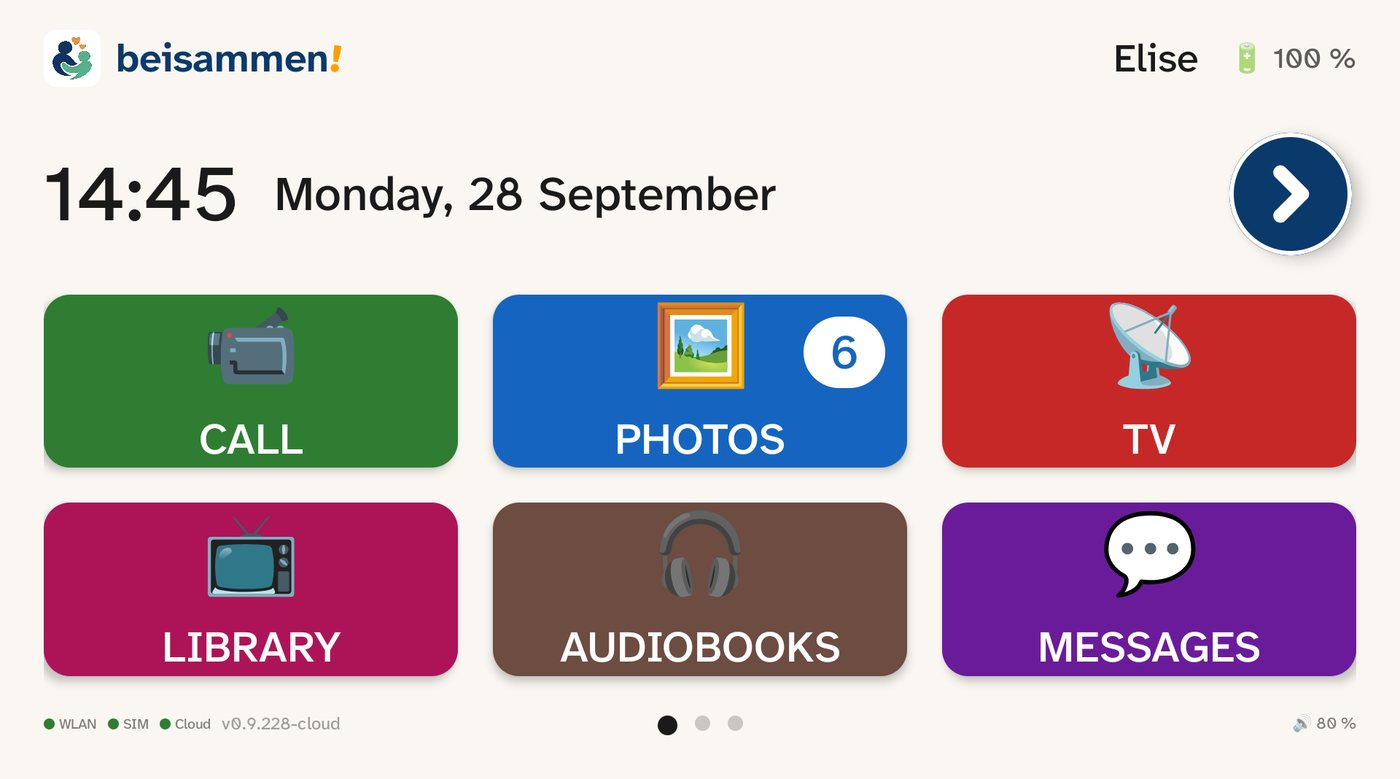
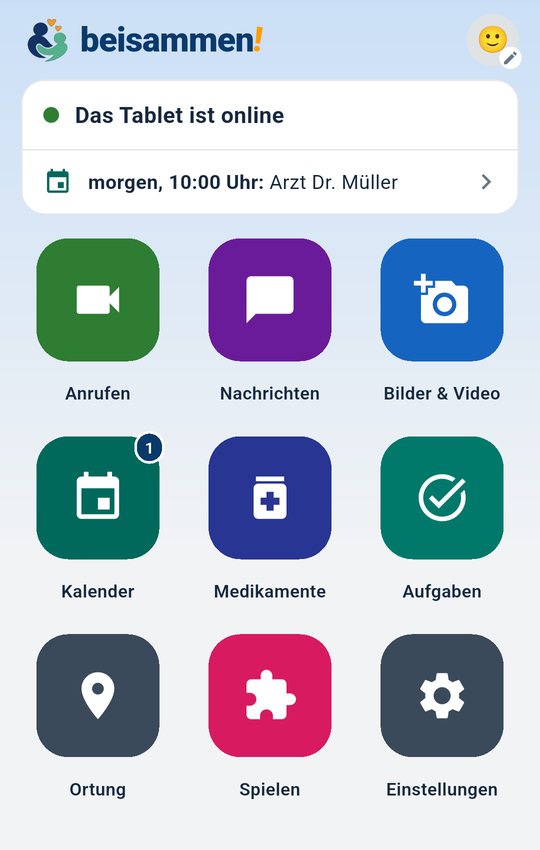
This is what it looks like today — on the tablet and in the family's app.
Two sides, one connection
A locked, dead-simple tablet for home — and full control for the family by app or browser.
Big buttons. No menu maze.
- ✓ Huge, labelled tiles — one tap is enough
- ✓ Calls ring big and answer by themselves
- ✓ Firmly locked: no settings, no getting lost
- ✓ Voice assistant reads aloud and announces calls
Manage everything — from anywhere.
- ✓ Call, chat, send voice messages
- ✓ Send photos & videos straight to the tablet
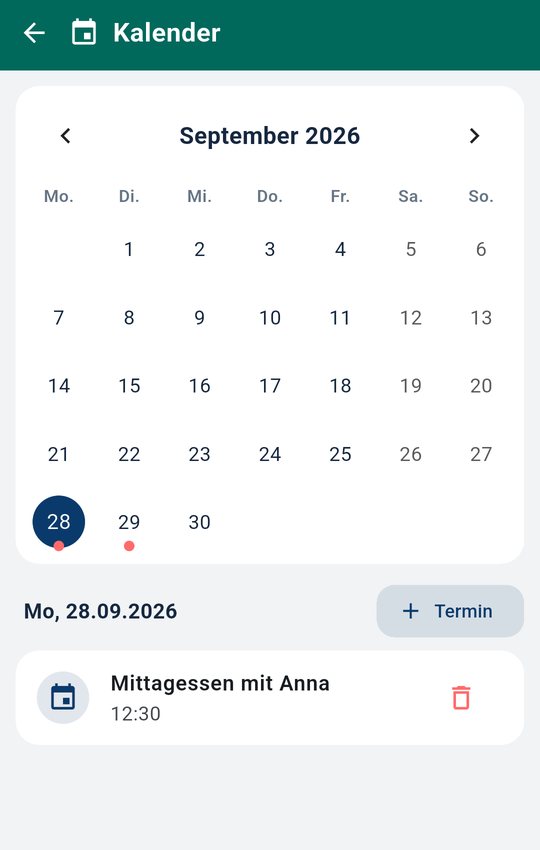
- ✓ Keep appointments, calendar and reminders
- ✓ On iPhone, Android — or in the browser
Everything that connects — on one screen
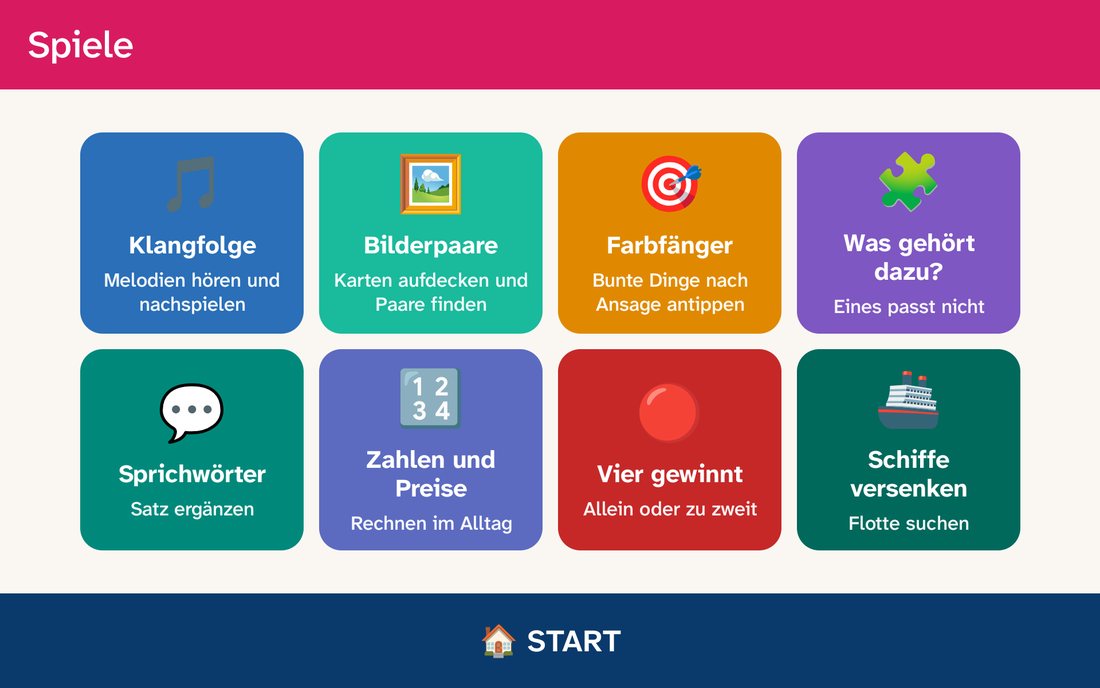
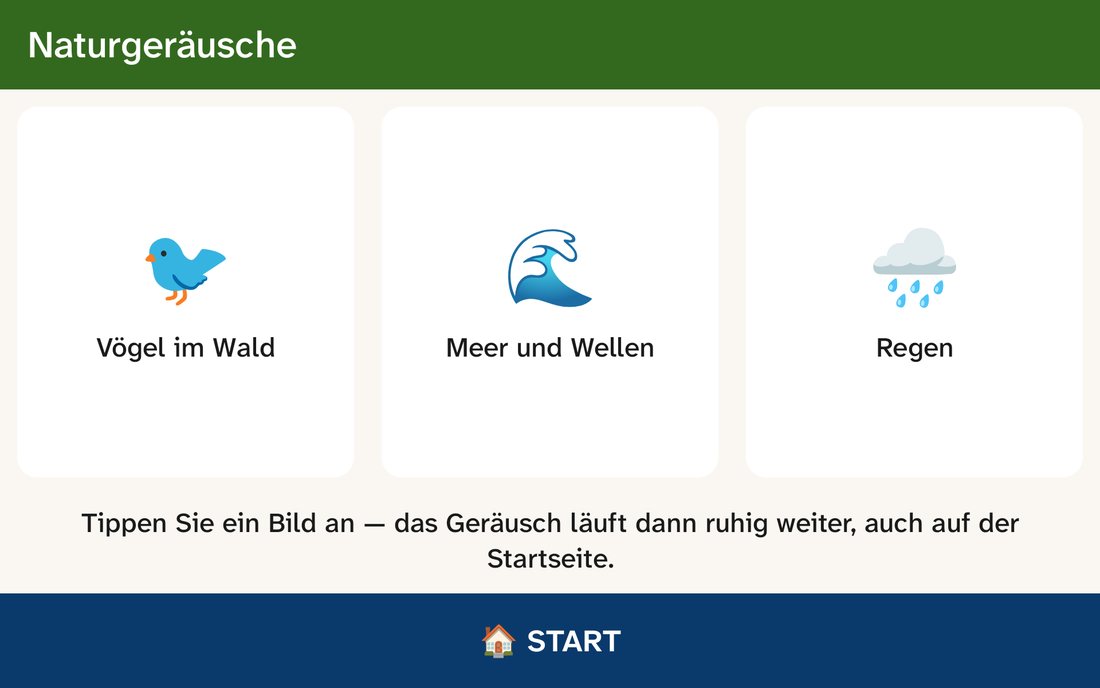
Exactly the tiles that appear on the tablet. Clear, colourful, unmistakable.
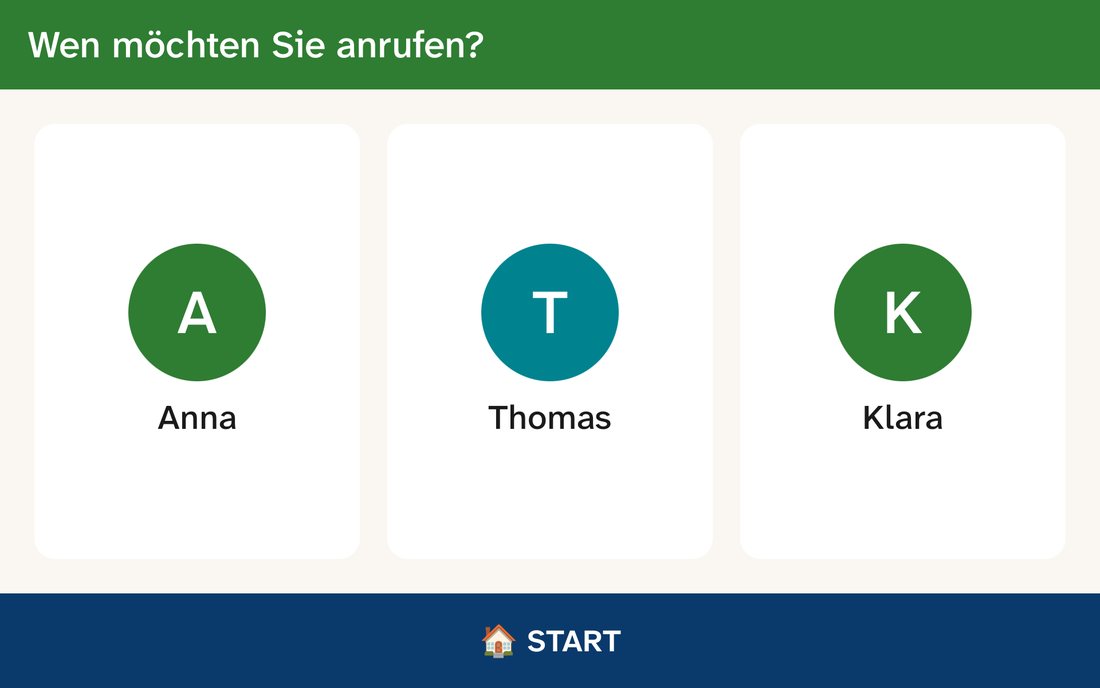
Call
Video call to the family — rings big and connects with one tap.
Photos
Photos and videos of loved ones, sent fresh to the tablet.
TV
Start favourite channels directly — no remote-control chaos.
Library
Programmes and clips from the media libraries, simply listed.
Messages
Text and voice messages both ways — easy to read.
Speak
The voice assistant helps, reads aloud and announces calls by name.
E-mails big and readable aloud — the inbox without fine print.
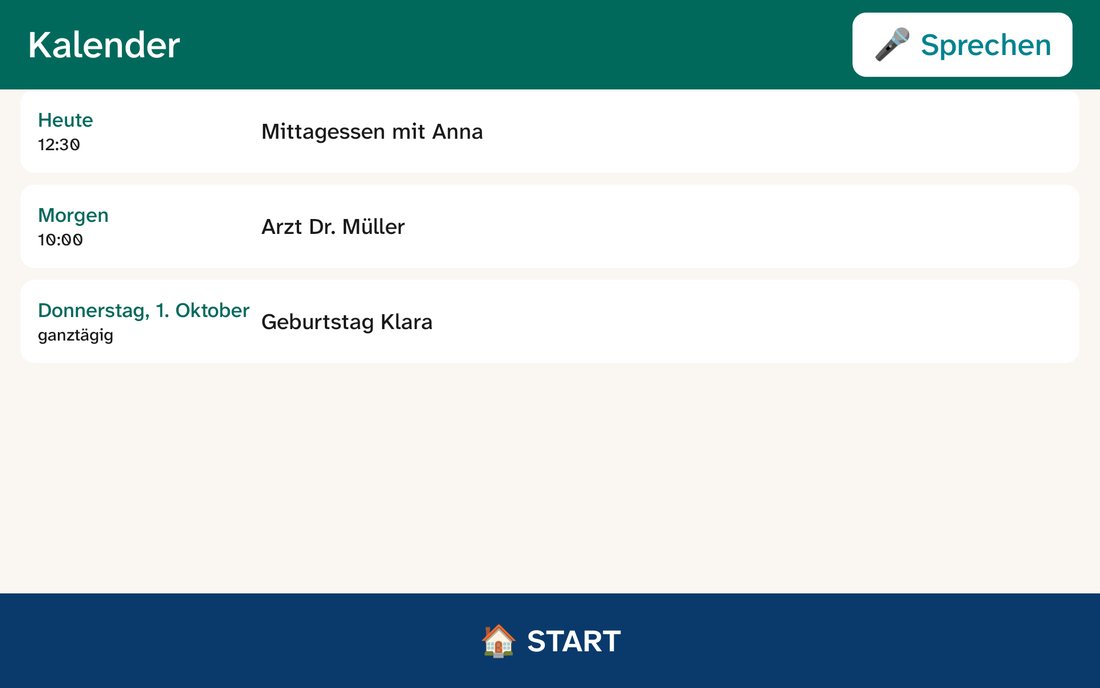
Calendar
Appointments with reminder and announcement — nothing is forgotten.
Teletext
The familiar teletext of the favourite channel, made easy.
News
Current headlines from chosen sources — read aloud on request.
Radio
Listen to public radio stations directly — one tap and it plays.
The family holds all the reins
Relatives set up, accompany and control the whole solution remotely — by app or in the browser. No one needs any skills on the tablet itself.
See & guide — in real time
- ✓ Remote control: follow and guide live what happens on the tablet — both ways
- ✓ Simulation: see the tablet 1:1 in the browser and click through it
- ✓ Fetch a current screenshot of the tablet anytime
- ✓ Help set things up and explain, from afar
Every tile, every rule
- ✓ Show or hide tiles, features and channels
- ✓ Set quiet hours — even switch the tablet off at night
- ✓ Volume, brightness and language per person
- ✓ Automatic updates from afar — nothing needed on site
Your most common security questions
Answered plainly — so you can use beisammen with peace of mind.
Where is the data stored?
On servers in the EU. Processed under GDPR — no selling and no passing on to third parties for advertising.
Is the connection encrypted?
Yes. All connections between tablet, app and cloud are end-to-end encrypted via TLS.
Can someone get „lost“ on the tablet?
No. The tablet is firmly locked (kiosk mode): no foreign apps, no settings, no app store, no ads.
Who can call or write?
Only the relatives you approve. No open address book, no unknown contacts, no strangers.
Is there advertising or tracking?
No. No ads, no profiling, no third-party trackers.
And if it's lost or stolen?
The device can be located and locked remotely. And you can have your account and all its content deleted completely, anytime.
Support that thinks along
You're never on your own — from the first setup into everyday use.
Personally reachable
A direct line by e-mail and contact form. You write — we take care of it, no anonymous queue.
Remote maintenance included
On request we connect remotely, set things up and solve problems — without anyone having to come by.
Updates automatically
New features and improvements reach the tablet and the apps by themselves — in the background, with no effort for you.
At home in every language
The whole platform — tablet, family app and portal — comes in multiple languages. Every client and every relative picks their own; the tablet's voice output follows it too.
Everyone in their language
- ✓ German, English, Swedish and more European languages
- ✓ Set per person — the client and every relative
- ✓ Menus, announcements and the voice assistant adapt
Messages translated automatically
- ✓ Optional: messages both ways into the recipient's language
- ✓ Written or dictated — translated automatically
- ✓ Read-aloud on the tablet uses the translated text too
Log in from the browser
No download needed — manage directly in the browser.
Family portal
For relatives: call, chat, send photos and keep the calendar — conveniently in the browser.
Get in touch
Questions about beisammen!? To the contact form → You can request a tablet via Request a tablet.